
Signing in to the Holm Security Partner Portal
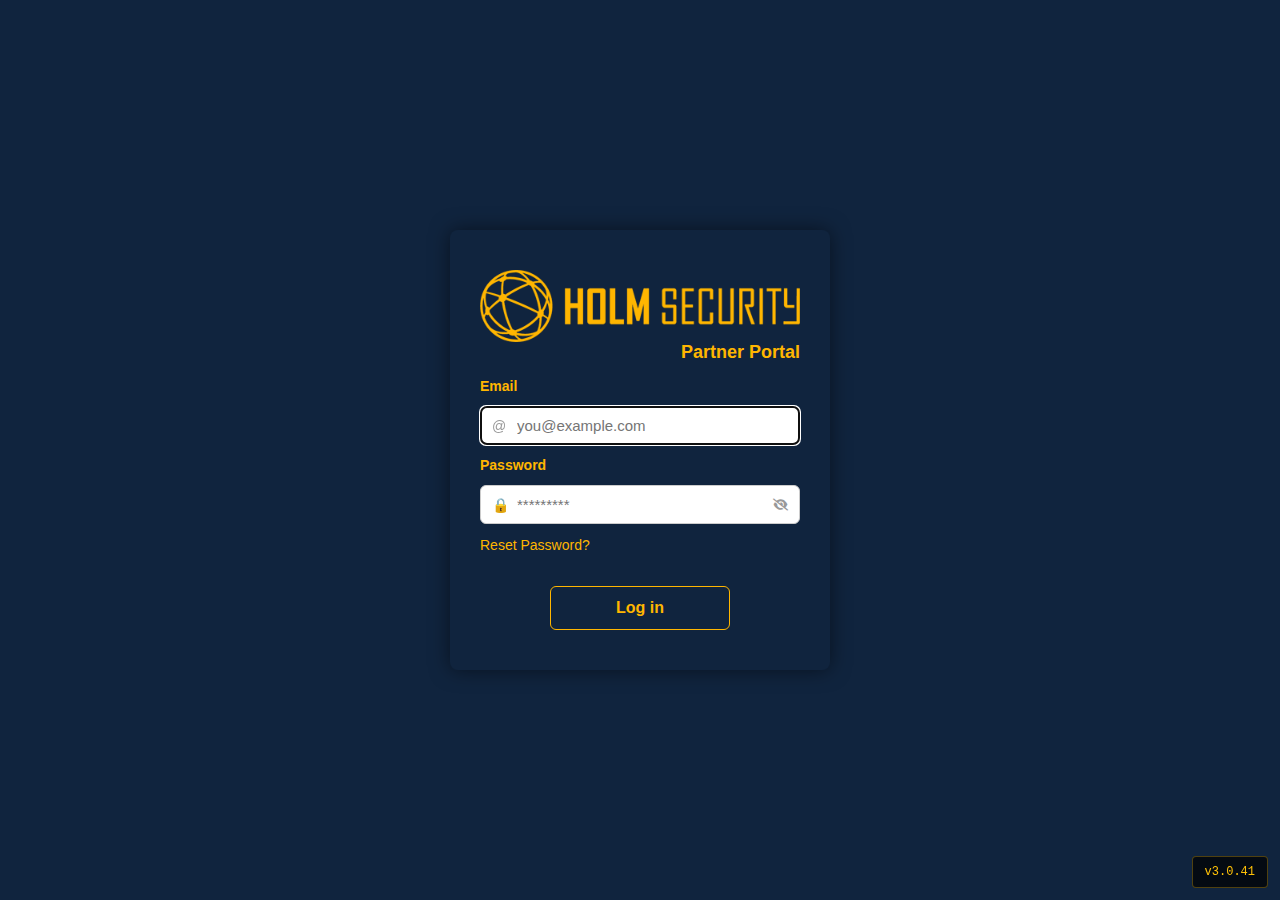
You can reach the Partner Portal in two ways:
- Go directly to portal.holmsecurity.com
- Or, from the Holm Security website, click the profile icon in the top right (next to Free trial) and choose Partner Portal
Signing in takes your email address, your password, and a six-digit code from an authenticator app.
Your first sign-in
The first time you sign in, you choose your own password and set up your authenticator app. You only do this once.
Choosing your password
- Go to portal.holmsecurity.com and sign in with your email address.
- You are taken to a page where you choose your password.
- Type your password. A checklist below the field ticks off each requirement as you meet it.
- Use the eye icon in the field to show or hide what you have typed.
- Confirm the password and continue.
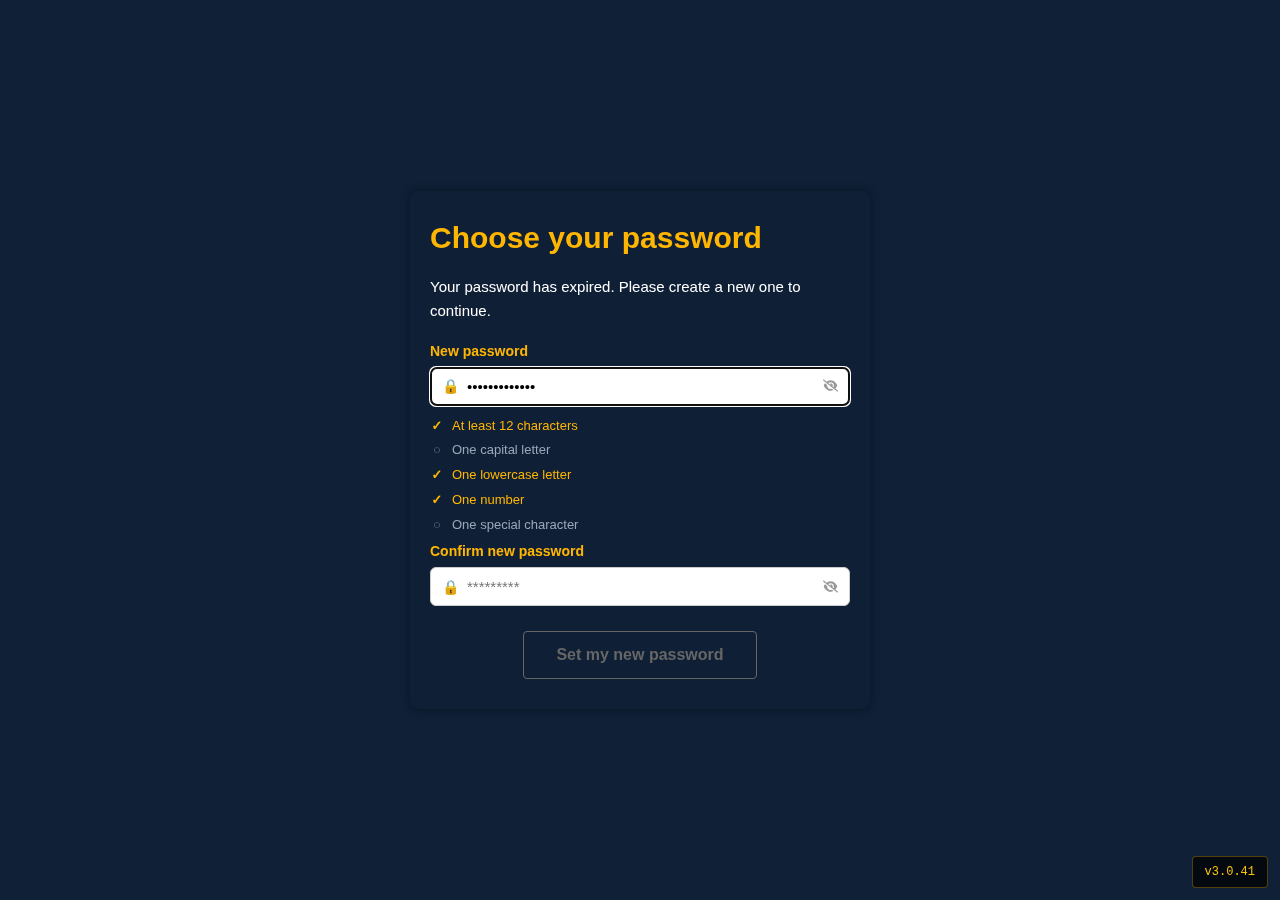
Continue is available once every requirement is met.
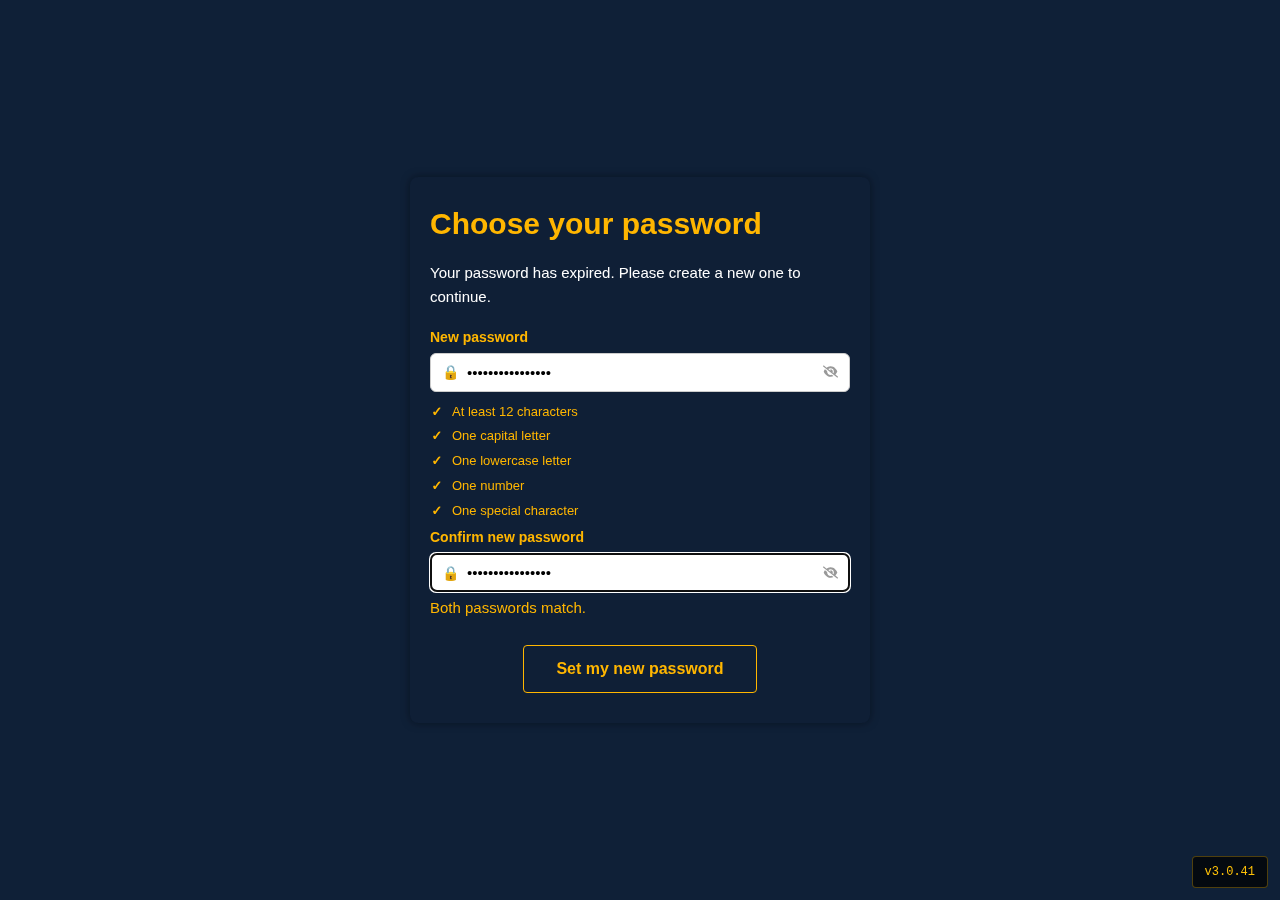
Your password is known only to you. Nobody at Holm Security can see it.
Setting up your authenticator app
Two-factor authentication protects your account with a six-digit code that changes every 30 seconds. You need an authenticator app on your phone — Microsoft Authenticator, Google Authenticator, Authy and 1Password all work.
- Open your authenticator app and choose to add an account.
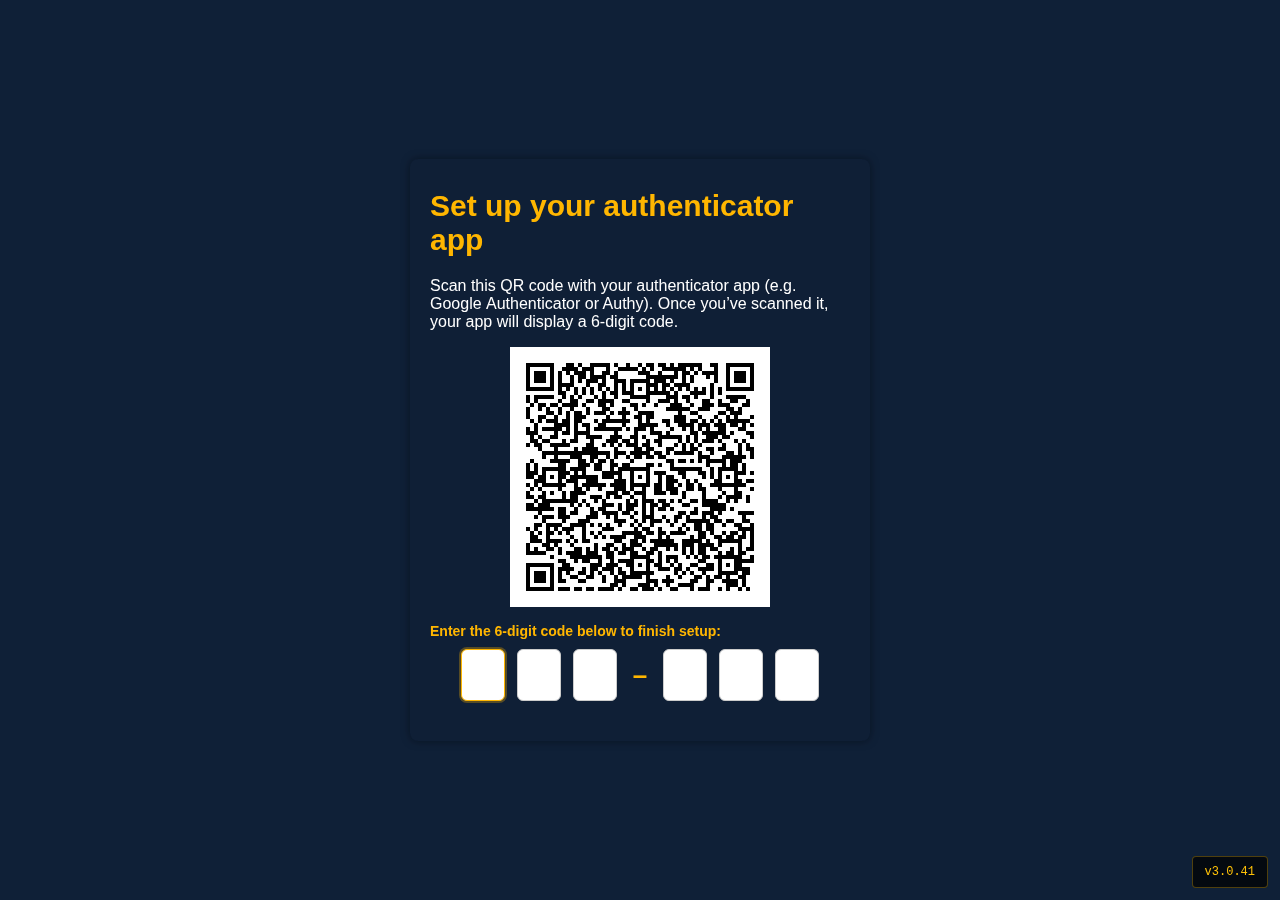
- Scan the QR code shown on screen. If you cannot scan it, enter the code printed beneath it by hand.
- Your app starts generating six-digit codes for Holm Security.
- Enter the current code to confirm the setup.
Saving your backup codes
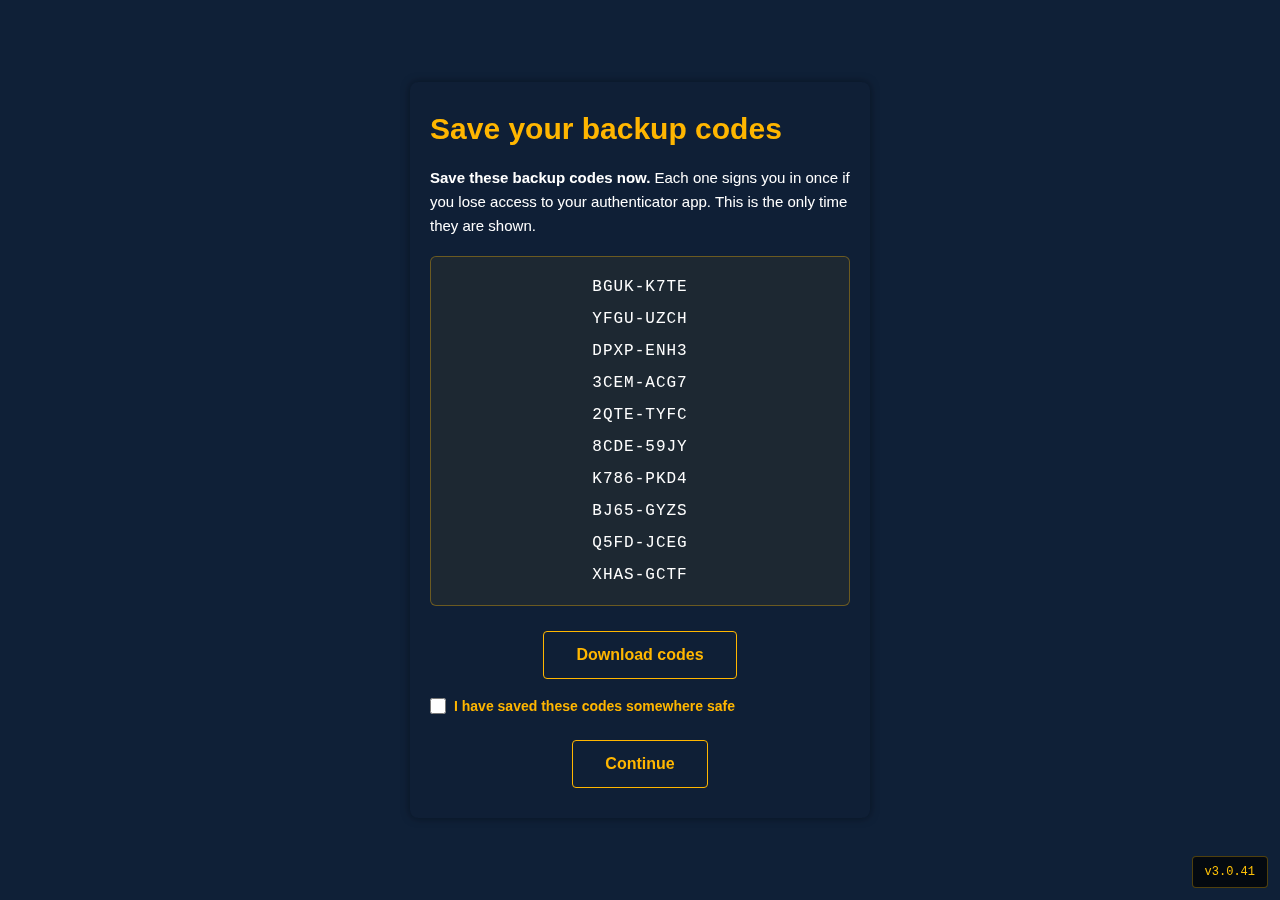
Once your authenticator app is confirmed, you are shown a set of backup codes. Each one signs you in once if you do not have your phone.
Save them somewhere safe before you continue. They are shown on this screen only, and they are the way back into your account if you lose your phone.
Signing in from then on
- Enter your email address and password.
- Open your authenticator app and enter the current six-digit code.
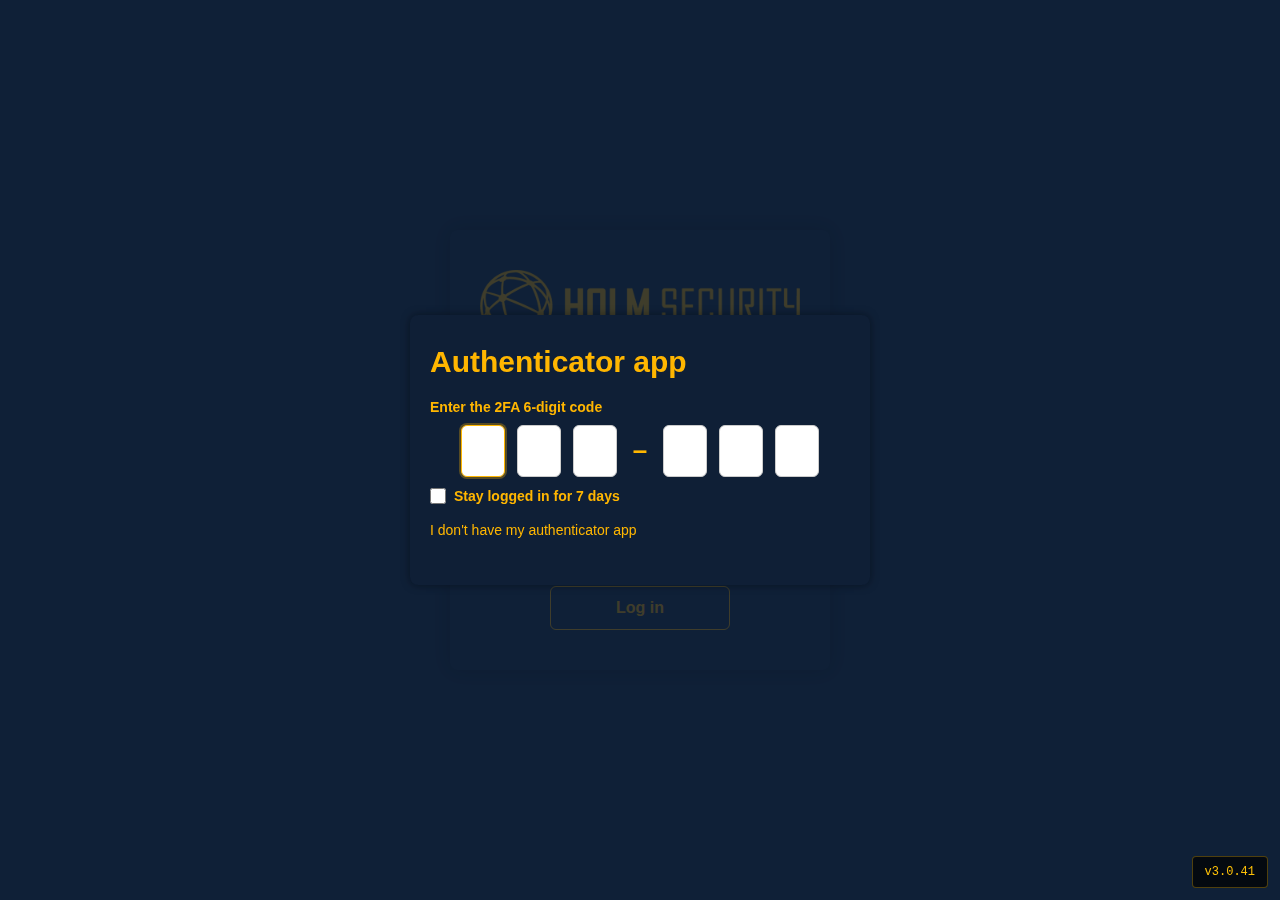
You are signed in to the Partner Portal.
If you forget your password
- Click Reset Password on the sign-in page.
- Enter your email address.
- You receive an email with a link to choose a new password. The link works once and expires after 60 minutes.
- Open the link, choose your new password against the same checklist, and sign in.
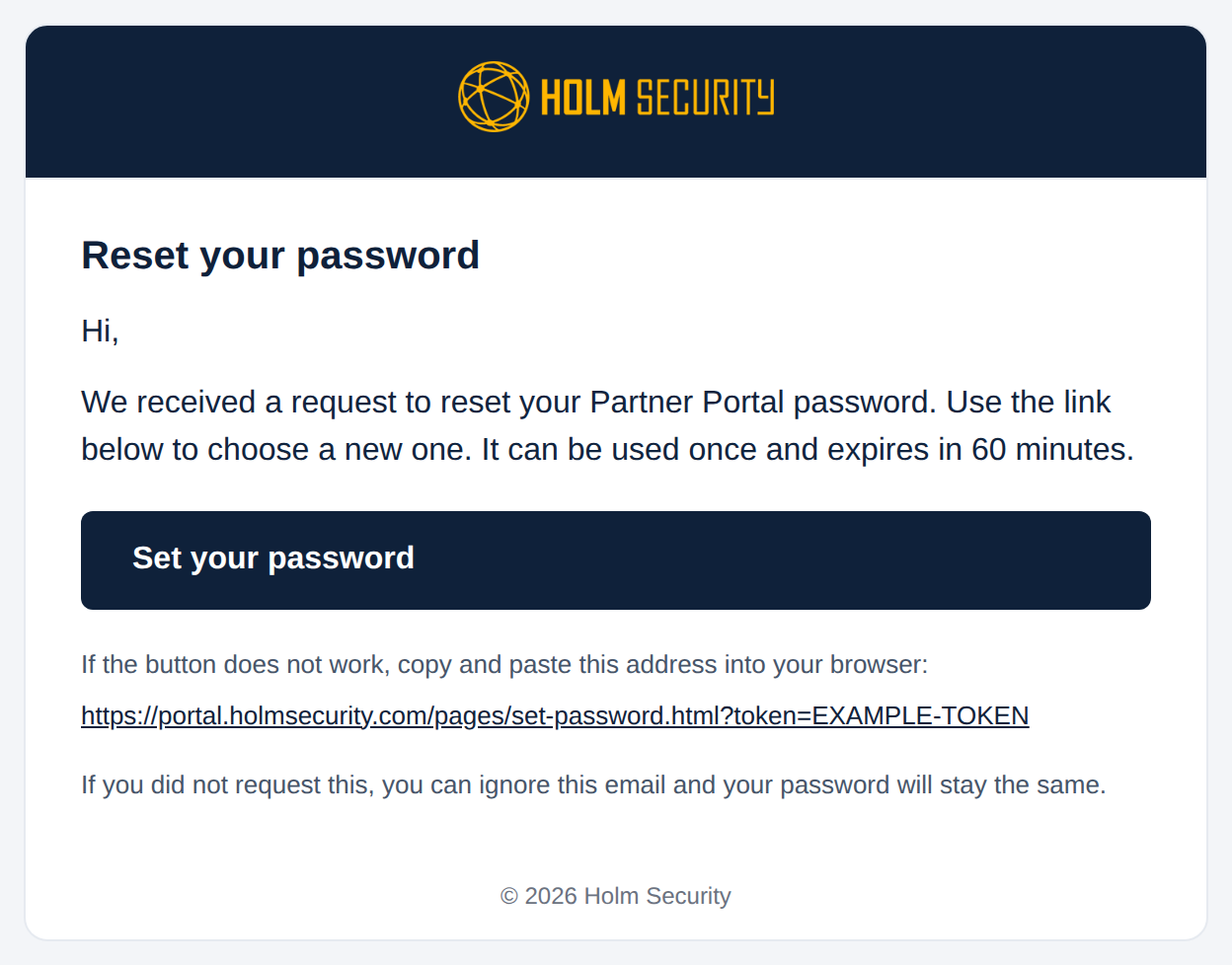
Your authenticator app is unaffected by a password reset — you continue to use the same six-digit codes.
If you lose your phone
Use one of the backup codes you saved when you set up two-factor authentication. Enter it where you would normally enter the six-digit code.
Each backup code works once. After signing in, set up your authenticator app again on your new phone to receive a fresh set of codes.
If you do not have your backup codes, contact Holm Security support and we will help you regain access.