
The left-side menu provides streamlined access to key areas within the Partner Portal.
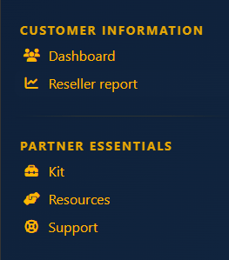
If you are a Reseller partner, you will see the following menu items:
If you are an MSSP partner, the following menu items will be available to you. For added convenience, the menu also includes a direct link to the Holm Security Organizer.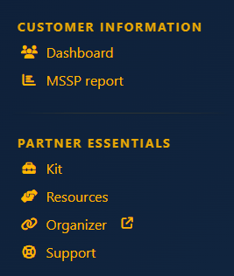
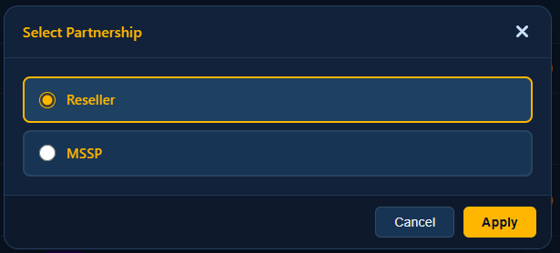
If your organization holds multiple Reseller and MSSP partnerships, you will see a dropdown at the top of the menu - just below the Holm Security logo - that enables you to seamlessly switch between your partnership views.
At the bottom of the menu, you will find two icons that will guide you to Settings  and Log Out
  . In Settings, you are able to manage your tags, user accounts, Partner Portal API and contact information.
For detailed information about each section in the menu, simply select any of the links below: